Tools of the trade.
Creator scripts and references for Dungeon Mastron games – animation generators, AI audio renaming, and the visual style rulebook. Free, open, copy-paste ready.
01
Animation
Still images, set in motion.
What this is
- A pre-rendered animation system for Dungeon Mastron games
- Turns static page images into smooth 30 FPS video animations
- Designed for console performance and visual polish
- Fully optional, games work even without animations
What it does
- Generates short MP4 videos for each game page
- Applies subtle zoom and pan (Ken Burns) effects
- Automatically plays videos on the console when available
- Falls back to static images if videos are missing
How it works
- Choose animation effects per page in the Game Builder
- Export an animation manifest (one click)
- Run the animation generator on your computer
Creator control
- Pick a specific animation effect per page
- Use Random for automatic variation
- Mix manual and random effects freely
- Regenerate animations anytime
Smart fallback system
- Video missing → static image shown
- Video unsupported → static image shown
- OpenCV missing → static image shown
Typical workflow
- Select animation effects, export animation manifest
- Run the generator script, videos are created automatically
- Include both images and animations in your game folder
Available animation effects
- Zoom In / Zoom Out
- Zoom + Pan (8 directions)
- Random (automatic selection)
All effects are subtle, cinematic, and optimized for readability.
Technical highlights
- Resolution: 1280×720 / 1024×1024
- Frame rate: 30 FPS
- Format: H.264 MP4
- Size: ~1–2 MB per animation
02
Rename audio
Loading…
Let the AI listen, match, and organize your voice lines.
What this is
- A smart audio renaming tool for Dungeon Mastron games
- Uses AI transcription + text matching
- Renames .wav files to the correct page IDs from game.json
- Designed for large voice-acted games with many audio files
How it works
- Reads your game.json
- Transcribes each audio file using Whisper
- Compares spoken text to page text
- Renames the file to the correct page ID
Safe by default
- Runs in dry-run mode by default
- No files are renamed until you confirm
- Generates a CSV report (original name, new name, confidence, warnings)
Smart matching rules
- Normalizes text (case, punctuation, spacing)
- Uses similarity scoring to avoid bad matches
- Rejects ambiguous matches automatically
- Can skip transcription when filenames already match page IDs
Typical use case
Before:
audio/
├── take_01.wav
├── take_02.wav
└── intro_final.wav
After:
audio/
├── p001.wav
├── p002.wav
└── p003.wav
Creator workflow
- Place all .wav files in one folder
- Run the renamer in dry-run mode
- Review the CSV report
- Apply renaming once satisfied
- Copy audio folder to your game
03
Visual styles
Your world, visually unified.
What the Visual style template does
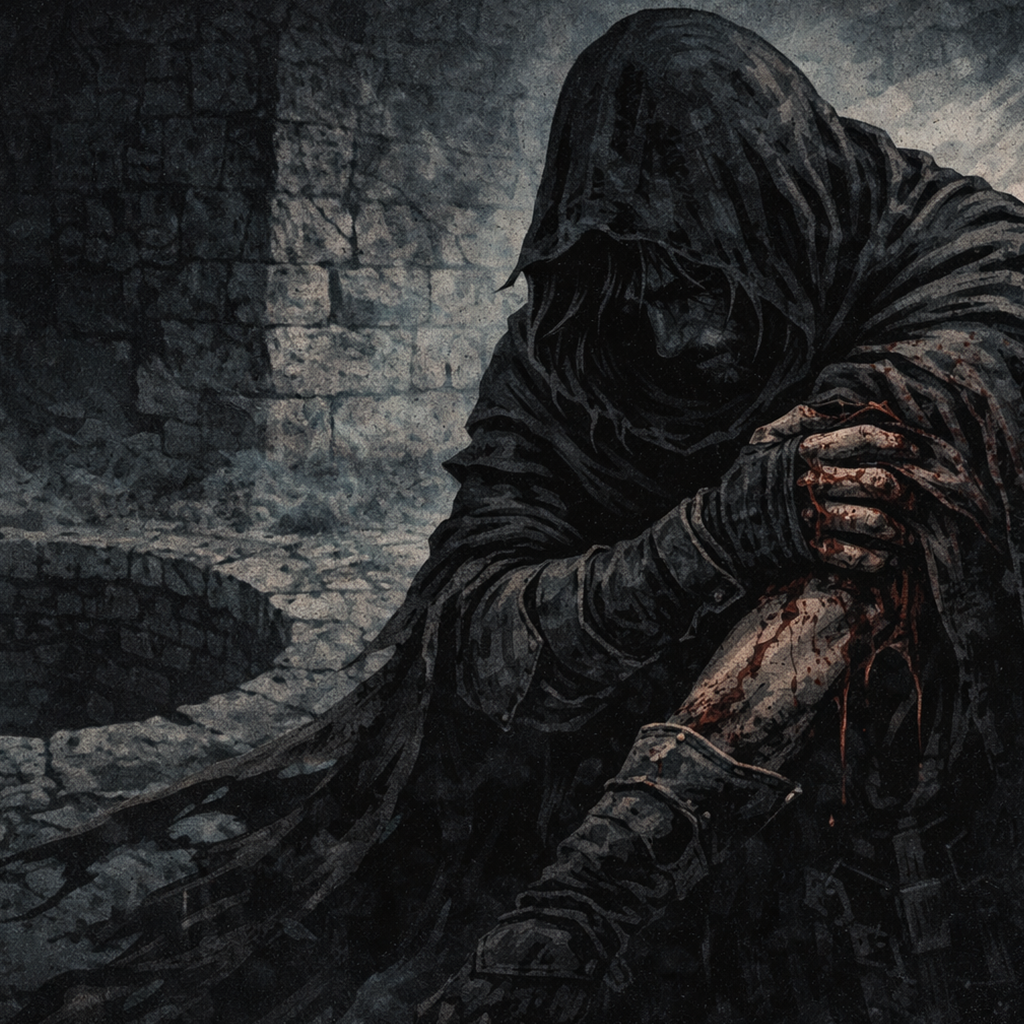
- Defines visual styles for a game
- Locks in art direction (style, medium, palette, mood)
- Ensures character consistency across all images
- Prevents visual drift over time
- Works across Midjourney, Leonardo, ChatGPT, and other image AIs
- Acts as a visual rulebook for the entire project
A complete prompt
- Visual style – paste your Visual style template
- Page story text – paste the page story text
- Character anchors – repeat key traits (silhouette, clothing, posture)
- Camera / lighting – wide shot/close-up + torch-lit/ambient/fog
- Scene focus / scale & space – what the camera sees + vast/narrow/claustrophobic
Loading…