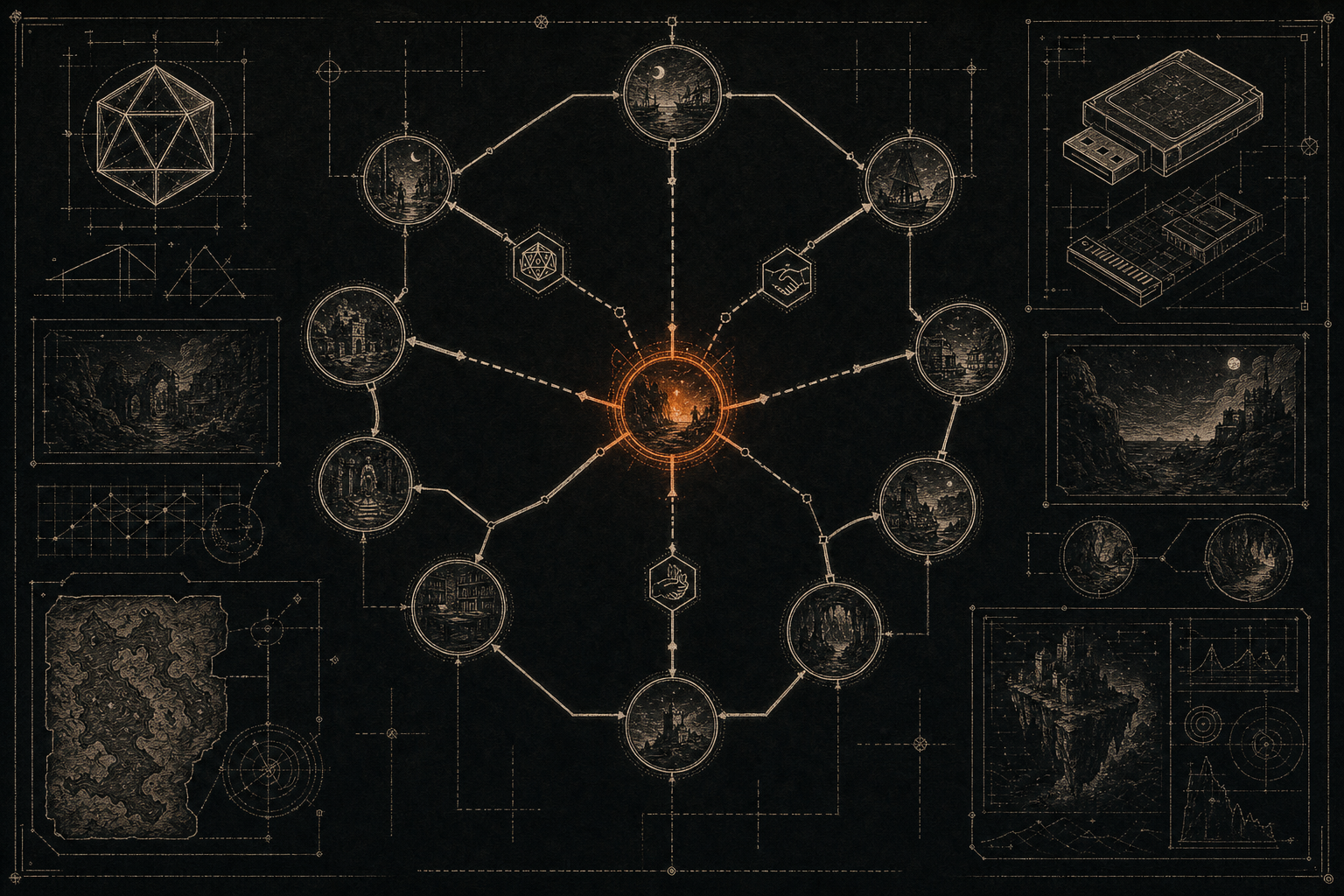
A branching story becomes much more interesting when it remembers the player. Did they speak to the captain? Did they find the brass key? Did they promise to come back? Without variables, every scene has to pretend the past didn't happen.
Dungeon Mastron handles simple story memory with flags. A flag is a small background variable that is either on or off. You can set it when a player makes a choice, require it before showing another choice, or set it automatically when the player enters a scene.
This tutorial builds a tiny example: a guard lets you into a tower only if you found the captain's seal earlier. You can follow the steps in the Visual Builder, then test the result in the Web Player.
What a variable does in Dungeon Mastron
In other game engines, you might hear about booleans, switches, or story state. Dungeon Mastron calls the boolean version a flag. The name can be anything useful and readable, such as:
talked_to_captainfound_sealpromised_to_returnopened_secret_door
A flag starts unset. When the game sets it, its value becomes true for the rest of that playthrough. A choice can then check whether the flag is true before it becomes available.
There are two important rules:
- Flags are for memory, not for numbers. Use them for facts like "the player knows the password."
- The flag name must match exactly everywhere.
found_sealandfound-sealare different variables.
Start with one flag. Most story bugs come from adding ten variables before the first one works.
Step 1: Make the discovery scene
Open the Visual Builder and create a small opening scene. Call it courtyard and give it two choices:
- Search the abandoned office
- Walk straight to the tower
Create a second scene called office. Its text could be:
The office is empty except for a broken desk. Beneath the loose floorboard, you find the captain's silver seal. It is cold enough to hurt your fingers.
Add a choice to return to the courtyard. We aren't setting the flag yet. The player has found the seal, but the game needs an explicit instruction that this fact should be remembered.
In the office scene's choice panel, add a flag under Flags or Set flags. Enter:
found_seal
You don't need quotation marks in the builder field. The exported game data will represent it as a flag on that choice. Name the return choice something like Take the seal and return so the mechanical action is clear to the player.
Save the scene, then connect Search the abandoned office from courtyard to office. Connect the return choice back to courtyard.
Step 2: Create the locked choice
Create a third scene called tower_gate:
The tower guard lowers his spear. "The captain's seal opens this door. Otherwise, find another way."
Add two choices:
- Show the captain's seal
- Leave the tower
For Show the captain's seal, add a required flag:
found_seal
This is the key step. The choice can now appear only after the player has visited the office and selected the choice that sets found_seal.
Create a tower_interior scene and connect Show the captain's seal to it. Connect Leave the tower to courtyard or to another scene. Finally, add a choice from courtyard to tower_gate.
At this point, you have a complete memory loop:
- The player can visit the office.
- A choice sets
found_seal. - The player returns to the courtyard.
- The tower choice checks
found_seal. - The player gets inside only if the earlier action happened.
Step 3: Decide what the player sees before the flag is set
A required flag doesn't have to make the whole scene disappear. It locks the specific choice that needs the flag. That gives you a useful design decision.
Should the player see Show the captain's seal before finding it?
If yes, keep the locked choice visible. The player sees a clear goal and understands that the tower has a condition. The builder marks the choice as locked, and the player can still select another available option.
If no, split the scene into two versions or route the player through a different scene. Dungeon Mastron's flag system is intentionally simple, so you design the presentation with scene structure rather than hiding every line of dialogue behind complicated rules.
My preference is to show the locked choice when the missing requirement is part of the drama. "The door has a seal-shaped slot" is more interesting than pretending the door doesn't exist.
Step 4: Set a flag when entering a scene
Sometimes a fact should become true simply because the player reached a scene. For example, entering the captain's quarters might mean the player now knows the captain is missing.
Select the scene and use Set flags on enter:
entered_captains_quarters
This runs when the player enters the scene. You don't need a separate choice just to record the event.
Use this sparingly. A flag set on enter means the player has learned or triggered something, not merely that the scene exists. If the player should have to inspect a desk, read a note, or make a promise, set the flag on the relevant choice instead.
Step 5: Test both timelines
Variables are easy to write and easy to misunderstand. Test at least two complete routes in the Web Player:
The flag is set
- Visit the office.
- Select the choice that takes the seal.
- Return to the courtyard.
- Visit the tower.
- Confirm that the seal choice works.
The flag is not set
- Go to the tower immediately.
- Confirm that the seal choice is unavailable or locked.
- Visit the office afterward.
- Return to the tower.
- Confirm that the choice now works.
Also test a fresh playthrough. Browser saves can preserve progress while you're editing, which is useful during development but can fool you into thinking a flag works when it was set in an earlier test. Start over whenever you change the story's conditions.
Three good uses for flags
Remember a conversation. Set warned_villager after the player gives a warning. Later, a different choice can acknowledge it or reveal the consequence.
Create a knowledge gate. Set learned_password when the player reads a note. Require it for a choice that uses the password. This makes information feel like a real resource.
Track a promise or alliance. Set helped_miner or betrayed_guard. Later scenes can offer different choices without needing completely separate versions of the whole story.
Avoid using flags for every tiny action. If a detail never changes a later choice, it probably doesn't need to be a variable. Story state should create consequences, not become a checklist.
When to use items instead
Use an item when the player physically carries or spends something: a key, potion, ticket, weapon, or letter. Use a flag when the important thing is knowledge, history, or a past decision.
The captain's seal could be an item if the player can lose it or hand it to someone. If the story only needs to remember that the player earned permission, found_seal is simpler.
You can combine both systems. The player might find a key item, then set opened_archive when they use it. That separates possession from consequence.
Keep the names boring
This is one place where clever writing hurts. Use short names in snake_case and make them describe the fact they store. knows_the_truth_about_the_moon is better than moon_revelation_final_v2, even if the latter feels more dramatic while you're building.
When your game grows, readable flag names make the map and exported JSON much easier to debug. The AI Companion template uses the same kind of explicit story state, so clear names also make it easier to ask an AI to extend an existing game without inventing a second variable for the same idea.
The small system that makes branches feel personal
You don't need a complex quest tracker to make a CYOA remember the player. One well-named flag can turn a repeated scene into a consequence: the guard recognizes you, the old friend forgives you, or the locked door finally has a reason to open.
Build one flag, test both timelines, then add another only when the story earns it. When you're ready, browse the library for examples, or export your game and run it on the Raspberry Pi console as a physical story cartridge.
Try it yourself: open the Visual Builder, add one flag called found_seal, and make a later choice require it. Then share what you build in the Dungeon Mastron Discord.
Build your own story game
The Visual Builder is free, open source, and runs in your browser. No account needed.
Open the Visual Builder