If you want to make a choose-your-own-adventure game, you have more good free tools than you might expect. The hard part isn't finding a tool. It's choosing the one that matches the way you think about stories.
Some makers want a visual map of scenes. Some want to write clean text and let the structure emerge from the script. Some want a full programming language. Others want to go from an idea to a playable game before the idea gets cold.
This is an honest comparison of four free CYOA makers in 2026: Twine, ink with Inky, ChoiceScript, and Dungeon Mastron. None is simply "the best." Each one makes a different tradeoff.
Quick answer: which CYOA maker should you choose?
- Choose Twine if you want the most established general-purpose starting point, browser-based editing, and direct HTML publishing.
- Choose ink and Inky if your project is dialogue-heavy, text-first, and likely to grow into a game-engine project.
- Choose ChoiceScript if you want to write a stat-driven interactive novel in a plain-text workflow and don't mind local setup.
- Choose Dungeon Mastron if you want a visual node builder, built-in game structure, AI-assisted generation, instant web play, or a path toward a physical Raspberry Pi cartridge.
1. Twine: the flexible all-rounder
Twine is the obvious first stop for many interactive fiction writers. It's open source, can run in a browser or as a desktop app, and lets you create a simple story without writing code. When you need more control, you can add variables, conditional logic, CSS, and JavaScript.
Twine's main strength is flexibility. You can make a tiny branching story in an afternoon, then keep extending it into something that feels much more like a small web game. It also publishes directly to HTML, which makes sharing straightforward.
The tradeoff is that Twine becomes more technical as your project grows. Story formats, macros, CSS, and JavaScript may eventually matter. That's not a flaw, but the beginner-friendly first hour can turn into a more open-ended development process later.
Twine is a good fit when:
- You want a free, proven tool with a large community.
- You like working in a web page and exporting HTML.
- You want freedom to add your own visual style and code.
- You are happy to learn a story format such as Harlowe or SugarCube.
2. Ink and Inky: the writer's scripting tool
ink is an open-source narrative scripting language from inkle, with Inky as its editor. It puts writing first. You write knots, choices, diverts, variables, and conditions in a readable text format, while Inky lets you play the story as you write and highlights errors as you go.
Ink is especially good for branching dialogue and stories with lots of recombination. It is designed to work as narrative middleware, so you can use it on the web or integrate it with engines such as Unity. That makes it a strong choice for a writer working alongside a programmer, or for a project that may eventually become a larger game.
The cost is that ink is not a visual drag-and-drop builder. You need to learn its syntax and think in terms of scripts and flow. Inky helps, but the source of truth is still text on disk.
Ink is a good fit when:
- Your story is driven by dialogue and recurring narrative threads.
- You prefer writing files to arranging passages on a canvas.
- You want a free MIT-licensed tool with web and game-engine options.
- You expect to collaborate with a developer or use Unity later.
3. ChoiceScript: focused interactive novels
ChoiceScript is a scripting language for interactive novels. Its design is focused rather than broad: scenes, choices, variables, stats, and the consequences of player decisions.
That focus can be useful. If you are writing a long, text-heavy novel with character stats and meaningful checks, ChoiceScript gives you a clear model. The official introduction describes it as approachable even for authors without programming experience, but the workflow still involves downloading the source, installing Node.js, and running a local server.
ChoiceScript is less suited to someone who wants a visual map, rich media authoring, or a quick hosted link from the editor. It is a writing environment, not a no-setup publishing platform. Check current Choice of Games submission and hosting terms if you want to submit a finished game, since that is separate from making and sharing your own project.
ChoiceScript is a good fit when:
- You are writing a substantial interactive novel.
- Character stats and conditional choices are central to the design.
- You prefer a plain-text, scene-based workflow.
- You are comfortable installing a local development setup.
4. Dungeon Mastron: visual structure plus fast play
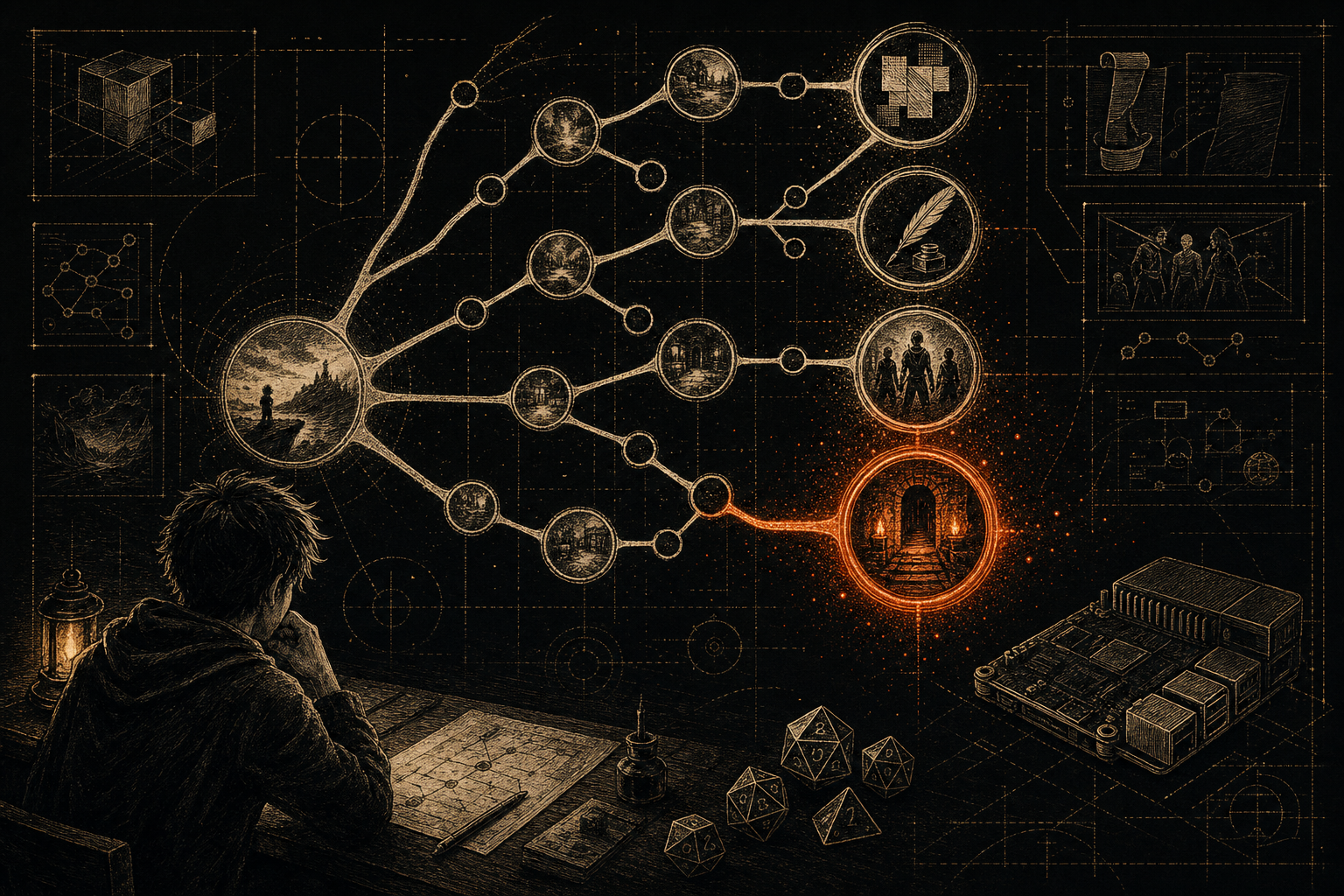
Dungeon Mastron takes a different approach. The visual builder uses a node graph, so you can see pages, choices, items, dice, and endings as connected pieces. That makes it useful when your main problem is not writing prose, but keeping a branching game understandable.
You can then test the result immediately in the web player, without asking players to install an engine or create an account. The format is designed for choose-your-own-adventure games, light narrative RPG systems, exploration, puzzles, and other story-led formats.
Dungeon Mastron also includes an AI Companion template for ChatGPT or Claude. The aim isn't random text generation. The template helps generate a complete game structure while following the format's rules, then the result can be checked and played. You still make the creative decisions. The AI is useful for getting from a blank page to a testable first version.
The honest limitation is maturity. Twine, ink, and ChoiceScript have larger histories and broader communities. Dungeon Mastron is narrower by design. Its unusual advantage is the same-game-file path from visual builder to browser player to a DIY Raspberry Pi console with swappable cartridges.
Dungeon Mastron is a good fit when:
- You think in scenes and connections rather than source code.
- You want a no-code visual builder and instant browser play.
- You want AI help with structure, not just a paragraph generator.
- You like the idea of turning a digital story into a physical cartridge.
Feature-by-feature: the practical differences
Authoring workflow
- Twine: visual passages with optional code and story formats.
- Ink: text-first scripting with strong flow and dialogue tools.
- ChoiceScript: scene files, choices, variables, and stats.
- Dungeon Mastron: visual nodes with a defined game format.
Best for beginners
- Fastest first experiment: Twine or Dungeon Mastron.
- Best for a writer who likes readable code: ink.
- Best for a structured interactive novel: ChoiceScript.
Publishing and play
- Twine: exports to HTML for hosting almost anywhere.
- Ink: can export for the web and integrate with game engines.
- ChoiceScript: uses a local server during development, with separate hosting options.
- Dungeon Mastron: play your game in the browser through its player, with a physical console route as an extra.
So, what is the best free CYOA maker in 2026?
For the broadest set of projects, start with Twine. It is flexible, free, well documented, and hard to outgrow if you are willing to learn a little HTML, CSS, or story-format syntax.
For serious text and dialogue, choose ink. It treats branching narrative as writing and gives you a clean path toward a larger game project.
For a stat-heavy interactive novel, choose ChoiceScript. Its narrower focus is a strength when it matches your project.
Choose Dungeon Mastron when you want to see the whole game as a connected map, get AI help with a playable structure, share a web version quickly, or eventually load the same story from a physical cartridge. You can also compare its approach directly with Twine in Twine vs Dungeon Mastron.
The best tool is the one that makes you finish the story. To start, open the builder, make five connected pages, and play the result before adding anything ambitious. Browse community games for inspiration, or read our guide to making a choose-your-own-adventure game.
If you build something strange, funny, or gloriously overcomplicated, come share it with the Dungeon Mastron community on Discord.
Build your own story game
The Visual Builder is free, open source, and runs in your browser. No account needed.
Open the Visual Builder