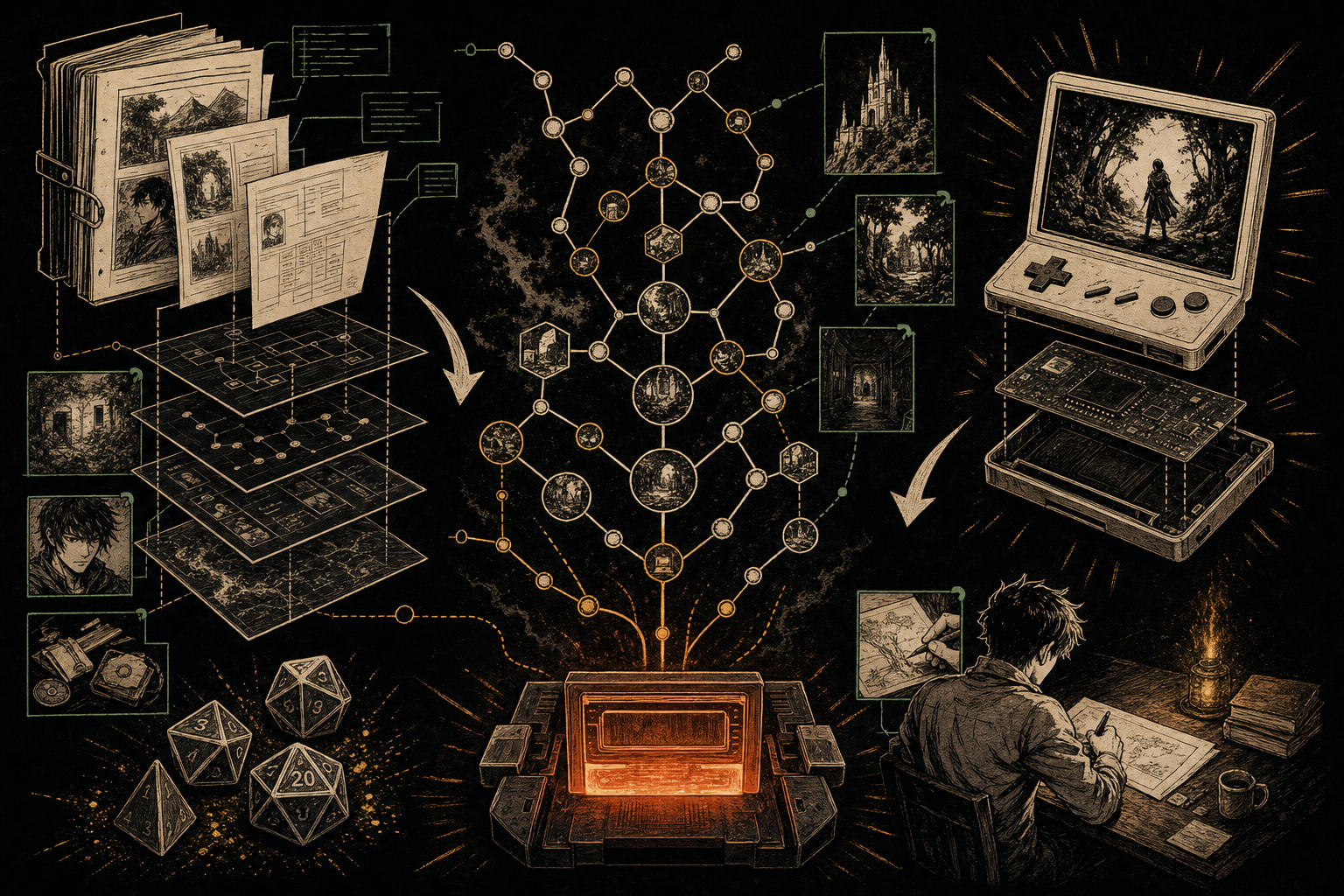
Here's a thing that genuinely wasn't possible a few years ago: you can describe a story idea to an AI, and ten minutes later be playing it – real choices, real branches, real endings – in your browser. Not a chat transcript that pretends to be a game, but an actual structured game file you can save, edit, and share.
This post explains exactly how the Dungeon Mastron AI Companion workflow works, and – because we'd rather be useful than hype-y – an honest accounting of what AI does well and badly when it writes interactive fiction.
The core idea: a template, not an app
The AI Companion isn't a chatbot we built, and it doesn't require an API key or a subscription to anything of ours. It's a carefully engineered prompt template. The workflow:
- Copy the template from the AI Companion page. It contains the full specification of Dungeon Mastron's game format, the structural rules of a good branching story, and instructions for the AI.
- Paste it into ChatGPT, Claude, or any capable LLM – whichever you already use and pay for (or use free).
- Describe your game. A premise, a tone, maybe a setting: "a melancholy mystery on an arctic research station, 20 scenes, three endings."
- Receive a complete
game.jsonfile. The AI writes every scene, every choice, every branch, in valid Dungeon Mastron format. - Play it immediately in the Web Player – drop the file in and go. Or open it in the Visual Builder to see the whole branching map and start editing.
That's the whole trick. The template does the heavy lifting: it teaches the AI the format and, just as importantly, the craft rules – branch-and-merge structure, meaningful choices, consequence tracking – so what comes back is a game, not a linear story with decorative buttons.
Because the output is plain JSON, you own it completely. Hand-edit it, regenerate one branch, or rebuild half of it in the builder. There's no lock-in and no black box.
What AI is genuinely good at
- Structure and scaffolding. Modern LLMs are excellent at producing a valid, well-formed branching skeleton. Twenty connected scenes with sensible choice architecture, in minutes – this used to be an afternoon of tedious wiring.
- First-draft prose volume. Getting from blank page to "everything has words in it" is where most first-time creators quit. AI removes that wall entirely.
- Genre competence. Ask for noir, cozy fantasy, or survival horror and you'll get scenes that reliably hit the expected notes. For a first game or a game-jam entry, that's plenty.
- Iteration speed. "Make the middle act darker." "Add a branch where the player trusts the stranger." Regenerating a section costs nothing but a prompt.
What AI is honestly bad at
We'd be lying if we stopped at the previous section. Here's what you should expect to fix:
- Sameness. AI prose gravitates to the statistical middle. Every door "creaks ominously"; every stranger has "eyes that betray a hidden sorrow." A game full of unedited AI text reads competent and forgettable. Your weirdness is the asset AI can't supply.
- Choices that don't really differ. AIs sometimes generate three choices that lead to nearly identical outcomes – the structure of choice without the substance. Play every path and check that branches actually diverge.
- Endings. AI endings tend to resolve too neatly and too quickly. The last scene of every path deserves a human rewrite; it's what players remember.
- Long-range consequence. An LLM writing scene 18 has fuzzy awareness of the promise it made in scene 3. Continuity across branches – items, injuries, relationships – is where you'll find the most bugs.
- Occasional format slips. Rarely, a model will produce slightly malformed JSON or reference a scene that doesn't exist. The Web Player and Builder will surface these fast, and a quick regenerate-or-patch fixes them.
The workflow that actually works: AI drafts, you direct
After watching a lot of games get made this way, the pattern that produces things worth playing is:
- Generate the skeleton with AI. Get a complete, playable draft in one shot.
- Play it twice – once following your instincts, once deliberately choosing "wrong."
- Open it in the builder and look at the map. Prune fake choices, merge redundant scenes, add one branch the AI didn't dare to.
- Rewrite the scenes that matter by hand: the opening, every ending, and the two or three pivotal decision scenes. Maybe 20% of the text – the 20% that carries the whole game.
Think of the AI as an enthusiastic collaborator who types fast and never gets writer's block, but has read too many of the same books. You're the director. (If you'd rather build from scratch and skip AI entirely, our no-code tutorial covers that path.)
A design tip for your prompt
One instruction dramatically improves AI-generated games: tell it that failure should wound the story, not end it. Ask for branches where bad choices cost the player something they carry forward – an injury, a lost ally, a burned bridge – instead of "game over" screens. The Companion template bakes this philosophy in, and it's the single biggest difference between AI games that feel cheap and ones that feel authored. We wrote about why this works: Wounds, Not Death.
Where this goes next
Games made this way aren't stuck in a browser tab, either. Any game.json – AI-generated or handmade – runs on the DIY Raspberry Pi console, which is a strange and delightful thing: a story you described to a chatbot on Tuesday, playable on physical arcade buttons by the weekend.
Try it: grab the template on the AI Companion page, generate something, and play it in the Web Player. If your AI produces something wonderful or hilariously broken, we genuinely want to see it – share it on Discord.
Build your own story game
The Visual Builder is free, open source, and runs in your browser. No account needed.
Open the Visual Builder